
When you only need one thing, the last thing you want is a 40-minute errand. Done right, single item pickup can turn a chore into a five-minute in‑and‑out mission—whether you’re grabbing groceries, hardware, or a last‑minute gift. With a few practical strategies, you can skip long lines, dodge parking headaches, and still get exactly what you need.
Below are streamlined, real‑world hacks to make single item pickup faster, simpler, and less stressful.
What is single item pickup (and why it’s worth optimizing)?
Single item pickup is any quick run—online or in-store—where you’re buying just one thing: a gallon of milk, a phone charger, a box of screws, or a school poster board at 9 p.m.
It sounds trivial, but these micro‑errands add up:
- They eat into your evenings and weekends
- They increase your chance of impulse spending
- They often take longer than full grocery runs due to poor planning
Optimizing for speed and predictability means you:
- Save time per errand
- Reduce mental load (fewer “ugh, I still have to go to X” moments)
- Avoid wandering aisles and checkout lines
Think of single item pickup as a mini‑system you can refine once, then benefit from for years.
Pre‑trip planning: 5 minutes that save you 30
Most of the wasted time in a single item pickup isn’t at the store—it’s the “back and forth” before you even leave. Use these steps to shorten the whole cycle.
1. Confirm location and stock before you go
Don’t assume the store has what you need. For many chains, real‑time inventory is visible online. Before you step out:
- Search the item on the store’s website
- Check availability for your specific location
- Note the aisle or department if the website lists it
If it’s not in stock nearby, you can:
- Choose a different brand or size that is available
- Switch to curbside or delivery if time is flexible
- Call an alternative store to confirm they have it
This single step eliminates the “they’re out of it” dead end.
2. Use “buy online, pickup in store” (BOPIS) whenever possible
BOPIS is tailor‑made for single item pickup. You buy through the app or website, they pull it, and you just show up to grab it—no aisles, no lines.
Benefits:
- Your item is reserved and waiting
- You skip the main checkout line
- You often get a dedicated pickup counter or curbside spot
According to the National Retail Federation, click‑and‑collect / BOPIS usage has surged because customers value convenience and time savings (source: NRF). That trend means most big chains have polished these processes—take advantage of them.
3. Plan your exact route: parking → entrance → section → exit
Before you go, take 30–60 seconds to visualize:
- Parking: Which entrance is closest to the department you need?
- Entrance: Which doors lead straight to that area?
- Section: Which side of the store is it on (left/right, front/back)?
Most stores are laid out predictably:
- Groceries: dairy in the back corners, pharmacy near front, produce on one side
- Big-box: electronics usually center or back, hardware along outer edges, beauty near front
A quick look at a store map in the app (if available) lets you walk like you’ve already been there.
In-store speed tactics: move like you know the layout
Once you’re inside, the aim is simple: zero wandering. Here’s how to make the in-store segment as short as possible.
4. Go “hands-free” to avoid temptation
When you bring a basket or cart for a single item pickup, you’re inviting your brain to fill it.
Instead:
- Go in without a basket if the item is easy to carry
- If you must grab a basket (heavy or bulky item), commit to “one basket, no browsing”
This reduces impulse buys and decision fatigue.
5. Use store signs and endcaps to your advantage
Time yourself: most of us waste 5–10 minutes just scanning shelves. To shortcut:
- Follow the large overhead signs first; don’t dive into aisles immediately
- Scan for category markers (e.g., “Baking,” “Electronics,” “Plumbing”)
- Remember that high-demand basics (batteries, pain relievers, milk, bread) are often at consistent “anchor” spots in chains
If you reach your target aisle and still can’t spot the item, don’t slow-scroll every shelf. Instead:
- Quickly skim top, middle, and bottom shelves in one pass
- If you don’t see it in 20–30 seconds, ask an employee—that’s faster than continuing to hunt
6. Always choose the fastest checkout option
For a single item, every extra minute in line feels exaggerated. Use these rules:
-
Self-checkout if:
- You’re comfortable with the machine
- There’s no line or only 1–2 people ahead of you
-
Express lanes if:
- Self-checkout is clogged or far away
- There’s a clear “10 items or fewer” lane
-
Mobile scan & pay (where available):
- Many stores let you scan with your phone and pay in-app
- Show the digital receipt to a door checker on your way out
Watch for red flags:
- Long lines with full carts but only one cashier
- People with complicated returns or price-matching at the front
- Large groups who might be splitting payments or using many coupons
Shifting your line choice early often cuts several minutes.
App-based single item pickup: make your phone do the heavy lifting
For frequent single item runs, leaning into store apps changes everything.
7. Install the top 5 apps you actually use
Instead of downloading dozens of apps, choose the ones you visit most often, such as:
- Your main grocery chain
- One big-box (Target, Walmart, etc.)
- A pharmacy (CVS, Walgreens)
- A hardware store (Home Depot, Lowe’s)
- A favorite convenience store or dollar store
Within each app:
- Save your home store location
- Enable location services for better pickup timing
- Add payment details so you’re not entering cards at checkout every time
8. Use “favorite items” and search history
Most apps remember what you’ve bought. That makes single item pickup lightning fast.
Do this once:
- Mark your recurring essentials as Favorites (e.g., your exact brand of milk, light bulbs, allergy meds)
- When you run out, open Favorites → tap the item → checkout for pickup
No searching, filtering, or second-guessing the product.
9. Turn on smart notifications (and mute the noise)
Well-set notifications speed you up; badly-set notifications distract you.
Turn ON:
- “Your order is ready for pickup”
- “Curbside associate is on the way”
- “Low-stock alert” for frequently used essentials if the store offers it
Turn OFF:
- Generic deals and promos unless you genuinely use them
- Constant marketing push notifications that don’t relate to your typical items
This keeps your attention on time-sensitive updates that make pickup more efficient.
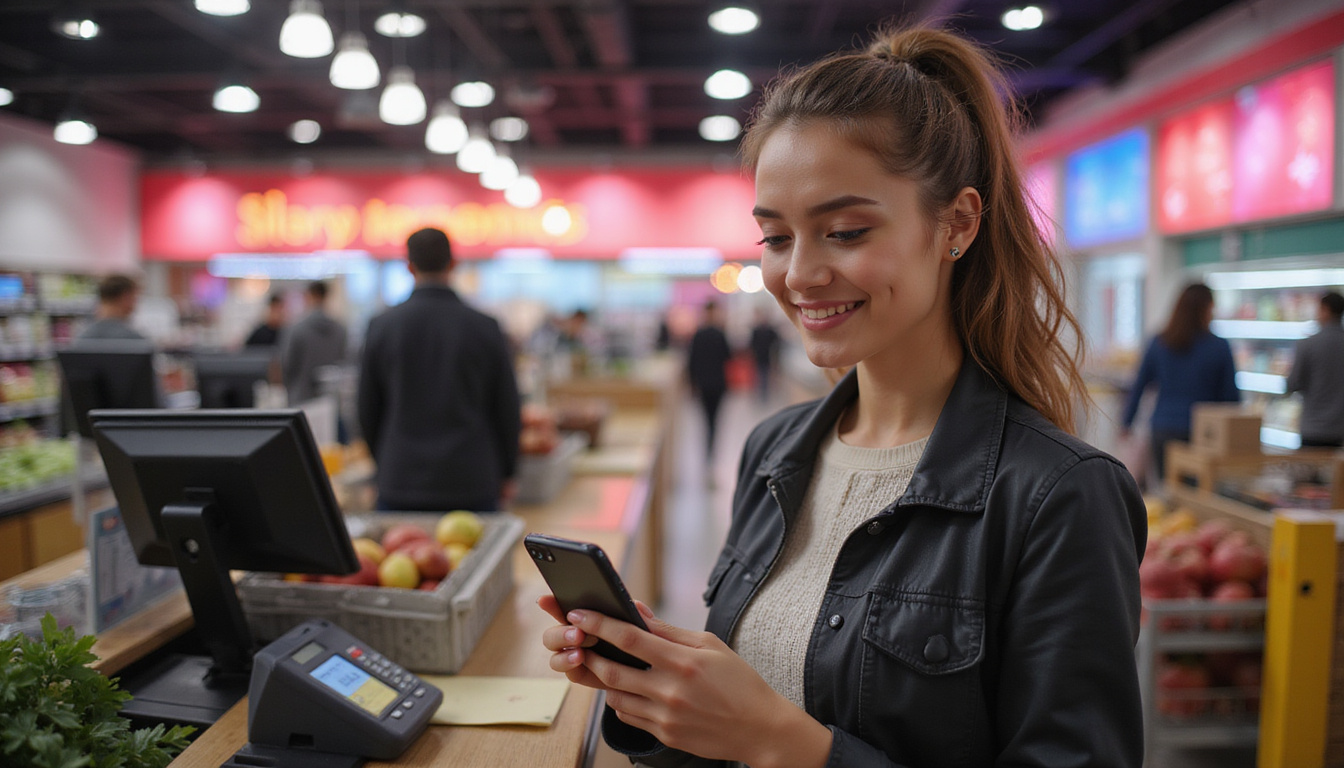
Curbside and drive-up pickup: the fastest version of single item pickup
For truly minimal time and effort, curbside or drive‑up is ideal. You never even enter the store.
10. Master the curbside routine
Most curbside systems follow the same pattern:
- Place your order in the app and choose “Pickup” or “Drive-Up.”
- Wait for the “Ready for pickup” notification.
- Tap “I’m on my way” when you’re leaving.
- Park in a numbered pickup spot and enter your spot number in the app.
- Pop the trunk and wait for the associate to load your item.
To make it even smoother:
- Keep your license plate and car description updated in the app
- Arrive within the recommended time window so your item is already staged
- Have your ID handy if buying age-restricted products
This is where the full power of single item pickup shows: minimal walking, no lines, no browsing.
Systematize your single item pickups (and avoid extra trips)
The fastest trip is often the one you don’t make. A few habits can reduce how often you need to do single item pickup in the first place.
11. Create a “must-stock” list for your home
Identify which items you never want to run out of:
- Daily basics: milk, coffee, bread, toilet paper
- Critical supplies: prescription meds, inhalers, baby formula
- Work/school essentials: printer ink, poster board, presentation materials
Set a rule, for example:
- When you open the last one (or the second to last), add it to a pickup list or auto-order.
12. Use recurring orders for true “non-negotiables”
Some items you use at consistent rates are better on subscription than single item pickup:
- Pet food
- Coffee pods or beans
- Vitamins and supplements
- Cleaning products
Use single item pickup for genuine one‑offs or emergencies; let subscriptions handle the predictable.
Single item pickup hacks, summarized
Use this quick checklist to cut your errand time dramatically:
- Check stock and aisle online before leaving.
- Use BOPIS or curbside when available.
- Enter through the closest door to your item’s department.
- Skip the cart if the item is easy to carry.
- Follow overhead signs, not random aisles.
- Ask an employee if you can’t find it in under 30 seconds.
- Pick the fastest checkout: self-checkout, express, or mobile pay.
- Leverage apps: favorites, saved payment, store maps.
- Optimize notifications for pickup readiness, not promos.
- Use subscriptions for repeat essentials so urgent trips are rare.
FAQ: single item pickup essentials
1. What is single item pickup and how is it different from regular pickup orders?
Single item pickup refers to quick, targeted runs for just one product—often using in-store, drive‑up, or curbside pickup. Unlike larger pickup orders, it focuses on speed and minimal interaction: you’re not shopping a full list, just grabbing a single need and leaving.
2. How can I make single item store pickup even faster?
Use the store’s app to place a single item store pickup order in advance, confirm stock, and choose curbside if offered. Arrive only after you receive the “ready” notification, park in the designated zone, and confirm your spot in the app. Keeping your payment and vehicle details saved in the app removes extra steps.
3. Is curbside single item pickup always the best option?
Not always, but curbside single item pickup is usually fastest when:
- Parking is difficult or lots are crowded
- You’re short on time or have kids in the car
- The store is large and your item is far inside
If the store is small or you’re already inside for another reason, a quick in‑and‑out might be just as efficient.
Turn your next “quick stop” into a true 5‑minute mission
You don’t have to accept that grabbing one item will hijack half an hour of your day. With a little planning, smart use of apps, and a few in‑store shortcuts, single item pickup can be exactly what it promises: simple, fast, and almost frictionless.
Start with one habit from this guide—like checking stock and using curbside—and test it on your next errand. Once you see how much time you save, layer in more of these hacks. Over time, you’ll reclaim hours each month that used to disappear into “just running to the store.”
Next time you realize you’re out of something, don’t brace for a long line. Put these strategies to work, streamline your single item pickup, and get right back to what actually matters in your day.
Junk Guys Inland Empire
Phone: 909-253-0968
Website: www.junkguysie.com
Email: junkguysie@gmail.com