
IT Asset Disposal: The Complete Guide to Secure Data Destruction
IT asset disposal is no longer just an end-of-life step for old hardware—it’s a critical security, compliance, and sustainability function. Done poorly, it can expose your organization to data breaches, regulatory fines, and reputational damage. Done well, it reduces risk, recovers value, and supports ESG goals.
This complete guide walks you through what IT asset disposal (ITAD) really is, why secure data destruction matters, and how to build a safe, compliant, and cost-effective process.
What Is IT Asset Disposal (ITAD)?
IT asset disposal (ITAD) is the structured process of retiring, sanitizing, and removing IT equipment from use in a secure, compliant, and environmentally responsible way. It covers both the data on your devices and the hardware itself.
Common IT assets handled in IT asset disposal include:
- Laptops and desktops
- Servers and storage arrays
- Smartphones and tablets
- Network equipment (switches, routers, firewalls)
- External drives and backup tapes
- Printers, copiers, and multifunction devices
A solid ITAD program ensures:
- All sensitive data is securely destroyed or sanitized
- Asset movement is documented and traceable
- Environmental regulations are followed
- Residual value is recovered where possible
Why Secure Data Destruction Is Non‑Negotiable
Old IT equipment often contains years of emails, financials, intellectual property, customer records, and login credentials. Even if devices are “deleted” or “formatted,” data can often be recovered with basic forensic tools.
Inadequate IT asset disposal can lead to:
- Data breaches from resold, lost, or stolen hardware
- Non-compliance fines under regulations like GDPR, HIPAA, PCI DSS, and state privacy laws
- Legal liability if customer or patient data is exposed
- Reputational damage that can outlast the incident itself
Regulators increasingly treat improper data destruction as a form of data breach. For example, the U.S. Federal Trade Commission has brought enforcement actions against companies that failed to properly dispose of devices containing consumer information (source: FTC).
Secure IT asset disposal is therefore as important as securing production systems.
The Core Components of a Secure ITAD Program
A mature IT asset disposal program integrates people, process, and technology. At its core, it should include:
1. An Accurate IT Asset Inventory
You can’t dispose of what you don’t know you have. Start with:
- A complete list of all IT assets, including serial numbers and locations
- Ownership and business function for each asset
- Data classification (e.g., public, internal, confidential, regulated)
Configuration management databases (CMDBs) or dedicated asset management tools can help maintain this data systematically.
2. Formal ITAD Policies and Procedures
Documented policies ensure consistency and accountability. Your IT asset disposal policy should specify:
- Which roles are responsible at each step
- Approved methods of data destruction for different asset types
- Criteria for reuse, resale, donation, or recycling
- Chain-of-custody and documentation requirements
- Vendor selection and security requirements
Make sure policies align with your broader information security and privacy frameworks.
3. Data Sanitization and Destruction
Data destruction is the heart of IT asset disposal. NIST SP 800‑88 Rev. 1 is the widely accepted standard for media sanitization. It defines three primary methods:
- Clear – Overwriting storage so data is not easily recoverable by standard tools
- Purge – More robust techniques (e.g., cryptographic erase, degaussing, secure firmware commands)
- Destroy – Physical destruction of the media so it is unusable (e.g., shredding, crushing, incineration)
Which you choose depends on data sensitivity and the device’s end state (reuse vs. recycling).
4. Chain of Custody
A secure chain of custody tracks where each asset is, who handled it, and what was done to it. This should include:
- Logged pickup from your site (with asset list)
- Transfer records between any internal teams and external vendors
- Location and status updates during processing
- Certificates of sanitization and/or destruction
Strong chain of custody is essential for audits and legal defensibility.
5. Environmentally Responsible Disposition
Proper IT asset disposal also means complying with environmental regulations such as WEEE in the EU or state e‑waste laws in the U.S. Look for:
- R2 or e‑Stewards certified recyclers
- Documented downstream flows of recycled materials
- Avoidance of illegal export and unsafe processing
Sustainable practices reduce environmental risk and support ESG reporting.
The IT Asset Disposal Lifecycle: Step by Step
A clear lifecycle helps ensure nothing falls through the cracks as devices move from “in service” to “fully retired.”
Step 1: Initiate Decommissioning
Triggers for IT asset disposal include:
- Hardware refresh cycles
- Organization changes (M&A, divestitures, office closures)
- Employee departures
- Equipment failures
At this point, update your asset inventory and mark devices as pending disposal or redeployment.
Step 2: Risk Assessment and Classification
Before you touch data, classify:
- Data sensitivity on each device
- Regulatory requirements tied to that data (e.g., health, financial, government)
- Business impact if data was exposed
This assessment determines the level of sanitization or destruction required.
Step 3: Data Sanitization
Apply appropriate sanitization methods based on risk and reuse:
- Logical wiping/overwriting – Software-based erasure that meets NIST 800‑88 guidance; good for devices being reused or resold
- Cryptographic erasure – Securely deleting or changing encryption keys so data is unreadable
- Degaussing – Demagnetizing magnetic media (e.g., some tapes, legacy drives)
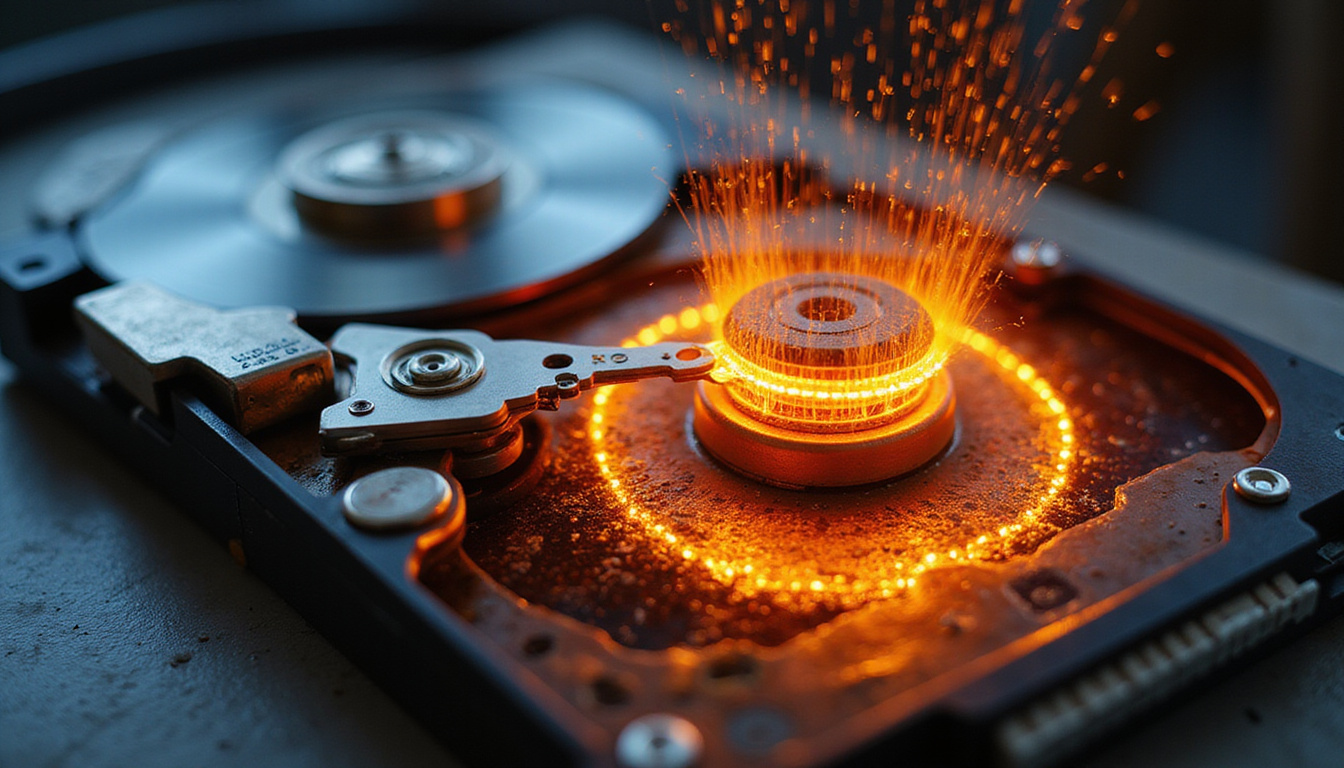
- Physical destruction – Shredding, crushing, or disintegrating drives when high‑risk data is involved or reuse is impossible
Document methods used and verify results (e.g., erasure reports, sample testing).
Step 4: Decide on Reuse, Resale, Donation, or Recycling
After sanitization:
- Internal reuse – Extend asset life by redeploying sanitized equipment within the organization
- Resale – Partner with ITAD providers or resellers to capture residual value
- Donation – Provide sanitized equipment to nonprofits, schools, or community groups
- Recycling – Use certified recyclers when devices are beyond economic repair or too old to be useful
Each route should be governed by policy and aligned with data destruction requirements.
Step 5: Final Disposal Documentation
For each asset, capture:
- Asset details (make, model, serial number, asset tag)
- Sanitization or destruction method used
- Date and location of processing
- Responsible individuals or vendors
- Certificates of data destruction and/or recycling
Maintain this documentation to support audits, compliance inquiries, and incident investigations.
In‑House vs. Third‑Party ITAD: How to Choose
Some organizations manage IT asset disposal internally; others rely on specialist vendors. Many use a hybrid approach.
When to Consider In‑House ITAD
- You have highly sensitive or classified data
- Facilities have secure destruction equipment on‑site
- Volumes are manageable and staff are trained
- Regulatory frameworks limit external handling of devices
In‑house IT asset disposal gives you tight control, but requires capital investment, trained staff, and ongoing operational oversight.
When to Use a Third‑Party ITAD Provider
External ITAD vendors can:
- Provide certified data destruction services
- Handle logistics, including pickup and secure transport
- Manage resale/remarketing and revenue sharing
- Ensure environmental compliance and detailed reporting
When choosing a provider, evaluate:
- Security certifications (e.g., ISO 27001)
- Environmental certifications (R2, e‑Stewards)
- Adherence to NIST 800‑88 media sanitization guidelines
- Background checks on staff and physical security controls
- Chain-of-custody processes and documentation quality
Always ensure contracts clearly allocate responsibilities, especially regarding data protection and liability.
Common IT Asset Disposal Mistakes (and How to Avoid Them)
Even with good intentions, organizations frequently stumble in similar ways during IT asset disposal.
Mistake 1: Treating “Delete” as Destruction
Emptying the recycle bin or quick‑formatting a drive does not securely erase data. Use proper sanitization tools that provide verifiable reports and align with standards.
Mistake 2: Losing Track of Assets
Unlogged devices sitting in storage closets, under desks, or in remote offices can become unintentional data breaches waiting to happen. Maintain a living asset inventory and include remote/hybrid work setups.
Mistake 3: Informal or Ad Hoc Donations
Donating old equipment without thorough sanitization and documentation can expose sensitive information in the wild. Apply the same IT asset disposal rigor regardless of where equipment ends up.
Mistake 4: Ignoring Embedded Storage
Modern equipment often hides storage in:
- Printers and copiers
- VoIP phones and conference room systems
- IoT devices and smart appliances
These must be included in your IT asset disposal scope and sanitization methods.
Mistake 5: Failing to Align with Legal and Regulatory Requirements
Different industries and regions impose varying standards for data retention and destruction. Involve legal and compliance teams when designing your ITAD program to avoid gaps.
Building an ITAD Policy: Key Elements to Include
A good IT asset disposal policy is clear, practical, and enforceable. At a minimum, it should define:
-
Scope
- Which asset types, locations, and business units are covered.
-
Roles and Responsibilities
- Who initiates disposal, approves actions, performs sanitization, and manages vendors.
-
Data Classification and Required Actions
- Mapping of data sensitivity levels to required sanitization/destruction methods.
-
Authorized Tools and Methods
- Approved software, hardware, and physical destruction processes.
-
Vendor Management Requirements
- Security expectations, reporting formats, audit rights, and SLAs.
-
Documentation and Retention
- What records are kept, in what format, and for how long.
-
Training and Awareness
- Obligations for staff and contractors who handle IT asset disposal tasks.
Review this policy regularly as your infrastructure, regulations, and business needs evolve.
FAQ: IT Asset Disposal and Secure Data Destruction
Q1: What is secure IT asset disposal and why is it important?
Secure IT asset disposal is the process of retiring and removing IT equipment while ensuring all data is irreversibly destroyed and hardware is handled responsibly. It’s important because it prevents data breaches, helps meet legal and regulatory obligations, protects your brand, and supports environmental sustainability.
Q2: How often should we review our IT equipment for disposal?
Most organizations should regularly review assets as part of lifecycle management—often aligned with 3–5 year refresh cycles for laptops and desktops, and shorter intervals for high‑use servers. Additionally, trigger IT asset disposal reviews when staff leave, offices close, or systems are upgraded, ensuring no device bypasses the standard process.
Q3: What should we look for in an IT asset disposal company?
Look for an IT asset disposal partner with strong security and environmental certifications, documented adherence to NIST 800‑88 for data sanitization, clear chain-of-custody processes, robust reporting, proven experience in your industry, and transparent financial arrangements for resale or recycling. Ensure contracts clearly define data protection duties and liability.
Take Control of Your IT Asset Disposal Before It Controls You
Every retired laptop, server, or storage device is either a risk or an opportunity. Without a disciplined IT asset disposal program, you’re effectively leaving sensitive data on unguarded hardware—and hoping no one finds it. With the right approach, however, you can neutralize security threats, comply with regulations, recapture value, and demonstrate real commitment to sustainability.
Now is the time to assess your current ITAD practices: map your asset inventory, review your policies, and decide whether to enhance internal capabilities or engage a trusted IT asset disposal provider. Put secure data destruction at the center of your hardware lifecycle—and turn end-of-life technology from a liability into a strategic advantage.
Junk Guys Inland Empire
Phone: 909-253-0968
Website: www.junkguysie.com
Email: junkguysie@gmail.com